
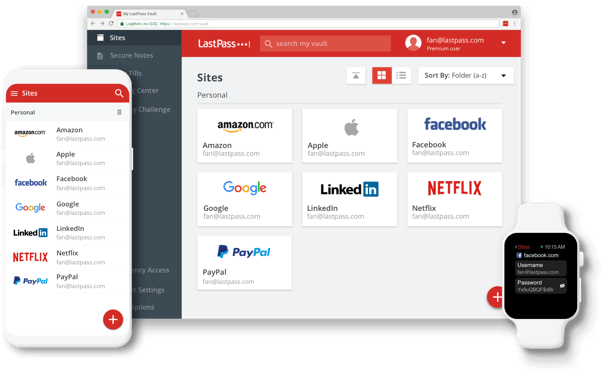
Let’s face it … we all have a LOT of passwords. As a Virtual Assistant, I not only have my own passwords to keep track of, but also my clients’ passwords. For the longest time, I kept everything organized in a locked Excel spreadsheet, but it quickly became a nightmare. Constantly copying and pasting passwords, trying to keep everything current, dealing with clients changing their logins… it was exhausting!
A few years back, a colleague introduced me to LastPass, and it completely transformed how I work. I signed up and added the browser extension – suddenly, I never had to rely on my memory (or that chaotic spreadsheet) again. Since I’m jumping between different client accounts all day, this has been an absolute game-changer. I honestly can’t imagine working without it now!
Here’s how it works: once you’re set up, the password manager automatically captures and stores your login details as you browse. When passwords change, it prompts you to update them. Everything is protected behind one master password that you create – and crucially, this master password can’t be used for any other account in your system.
There is both a free and premium (paid) version. I opted for the paid version because it gives me better organization features and enhanced security options – so worth the $36/year cost! With data breaches becoming increasingly common, using a professional password management system isn’t just convenient – it’s essential for protecting your business and data.
Click here to learn how LastPass works.